
Real people. Real workflows.
wall of love
From finding the thing they forgot to building agents that know how they work, these are the words people have shared about screenpipe.
launch day
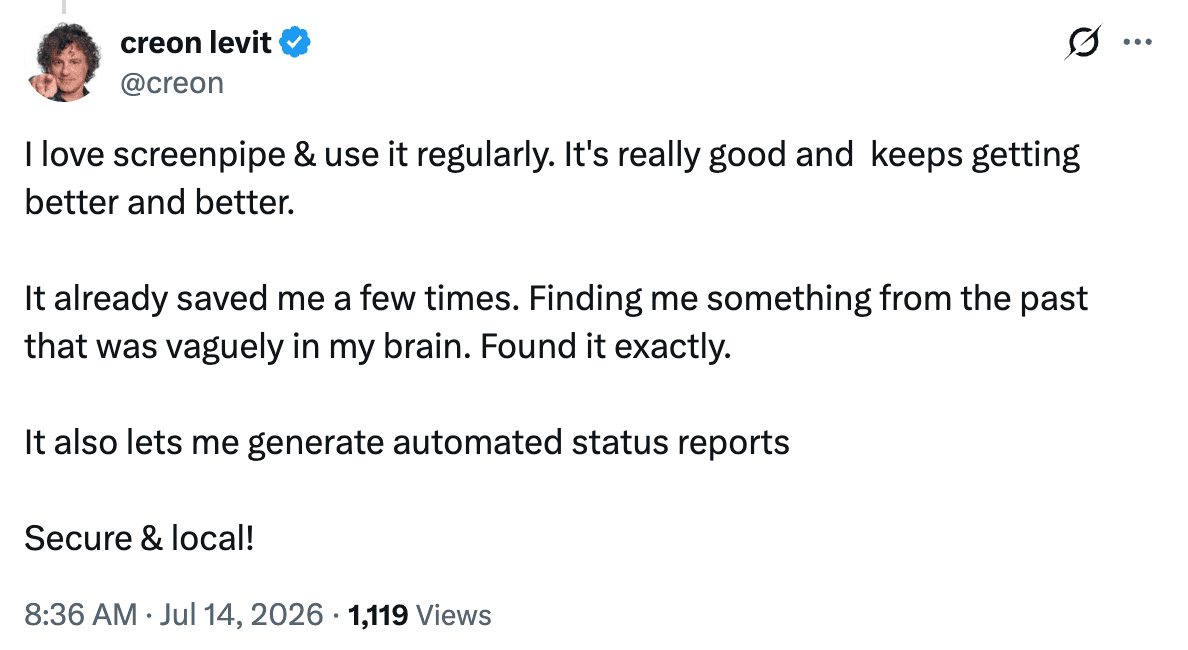
“I love screenpipe.”
Two public replies from the YC launch, shown with their original wording and linked back to the source.

in their own words
Less searching. More doing.
Approved stories from the testimonial collection that appears on the pricing page, organized by the outcome each person described.
01
save time and stay on track
Between searching, reconstructing information, reviewing meetings, remembering follow-ups, and handling repetitive tasks manually, I estimate that screenpipe saves me about five to eight hours in a typical week.
I get a daily summary from my Hermes agent using screenpipe information. It also adds calendar blocks for Mission Critical tasks. What a life changer.
Once screenpipe started saving my work into Obsidian, I actually realized how much I was getting done, and I didn't feel depressed at the end of the day. Never thought software could make my emotional well-being better.
Collating context used to be work about work; screenpipe gets that out of my way so I can spend more time on what's rewarding.
Now I can focus on the here and now, knowing screenpipe is helping me prioritize and keep track of everything at all times.
02
find anything and keep context
Instead of trying to remember where something happened, I can search for the original evidence in seconds. I've stopped rebuilding context from memory and started building AI workflows grounded in what actually happened.
I stopped losing time to the ‘where did I see that?’ spiral. Instead of retracing my steps across tabs and apps, I search what was actually on my screen, and it's there in seconds.
Research is faster, I lose less context between tasks, and I can trust that if I've seen something before, I can find it again in seconds.
Now I can know things that I have to do that I forgot, and my personal data remains locally safe.
I use screenpipe as an audit trail when I'm running multiple projects—monitoring the flow of information and instruction, recording it, and filing it for each project.
03
build agents and automations
It is perfect. Exactly what I was looking for in order to create my AI automation framework. … Screenpipe has become my entire input device into the AI. … gonna save every single one of our consultants across the entire firm … seven to ten hours a week.
I have a Personal Assistant team that sorts, pre-reads and prioritizes messages and updates, and converts person-centric communication to project-centric communication.
I use screenpipe to develop automation for my business and personal life. I have been using this tool for two months and it's epic.
I use screenpipe to draft documents. Before it, I searched manually. It saved time and made things easier.
community archive
The posts that got us here.
Public posts previously featured on the screenpipe pricing page, recovered from git history. They include users, builders, and community members sharing experiments and first impressions.
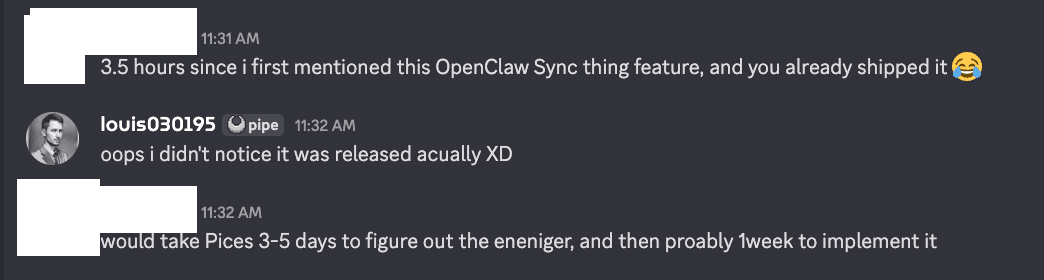
“3.5 hours since I first mentioned this feature, and you already shipped it.”
Menelaus · public pricing-page testimonial
your turn