
screenpipe #27 | live views, one canvas
get updates on screenpipe news and releases
live views now get out of your way
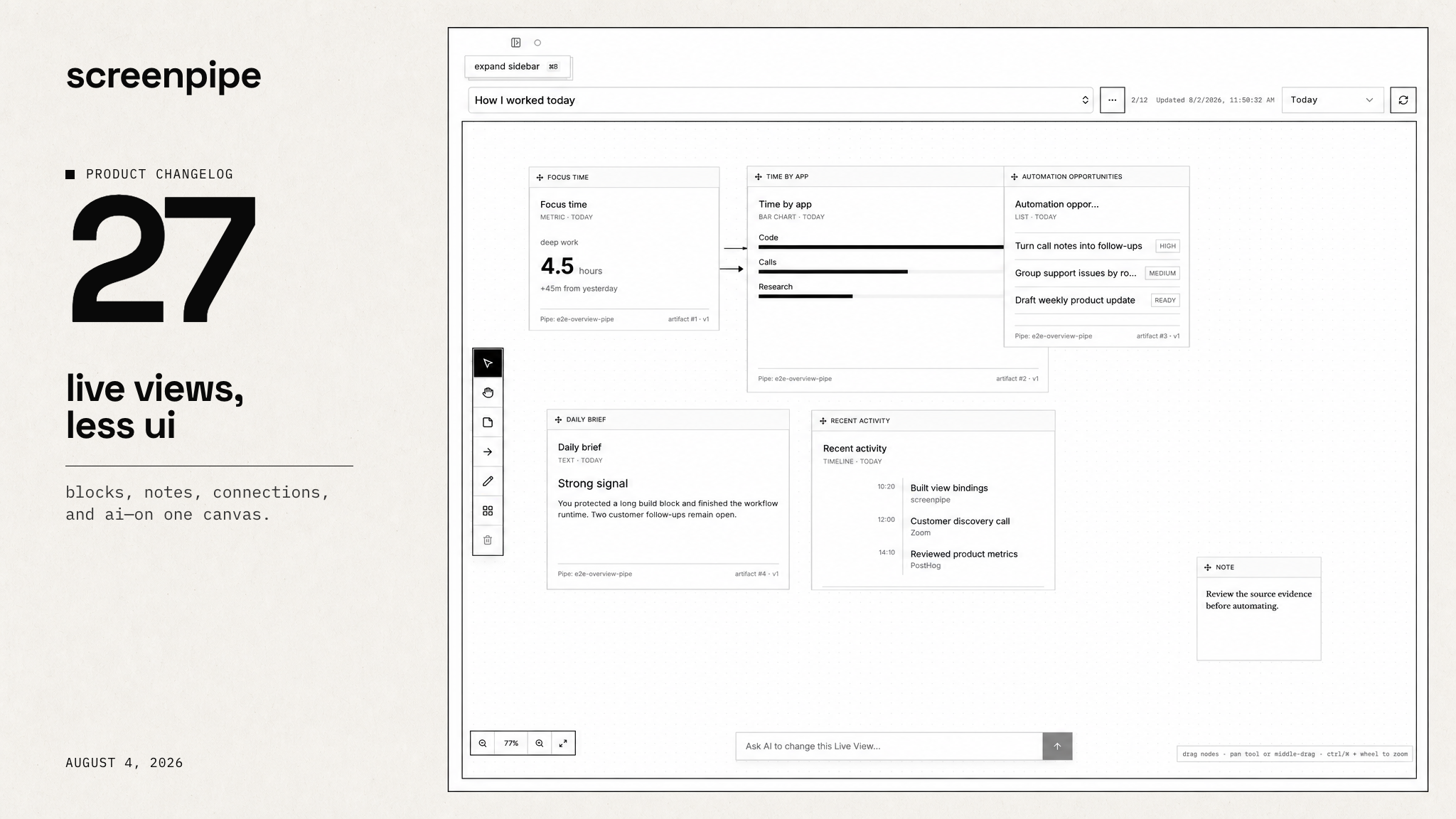
one canvas for the work screenpipe finds - and the next thing to do.
Hi all, Louis here.
We build Live Views to give you a way to visualize your tasks, work, crm, or anything you want, instead of receiving walls of text from AI.
Please update screenpipe to app v2.5.176.
from work to a living view
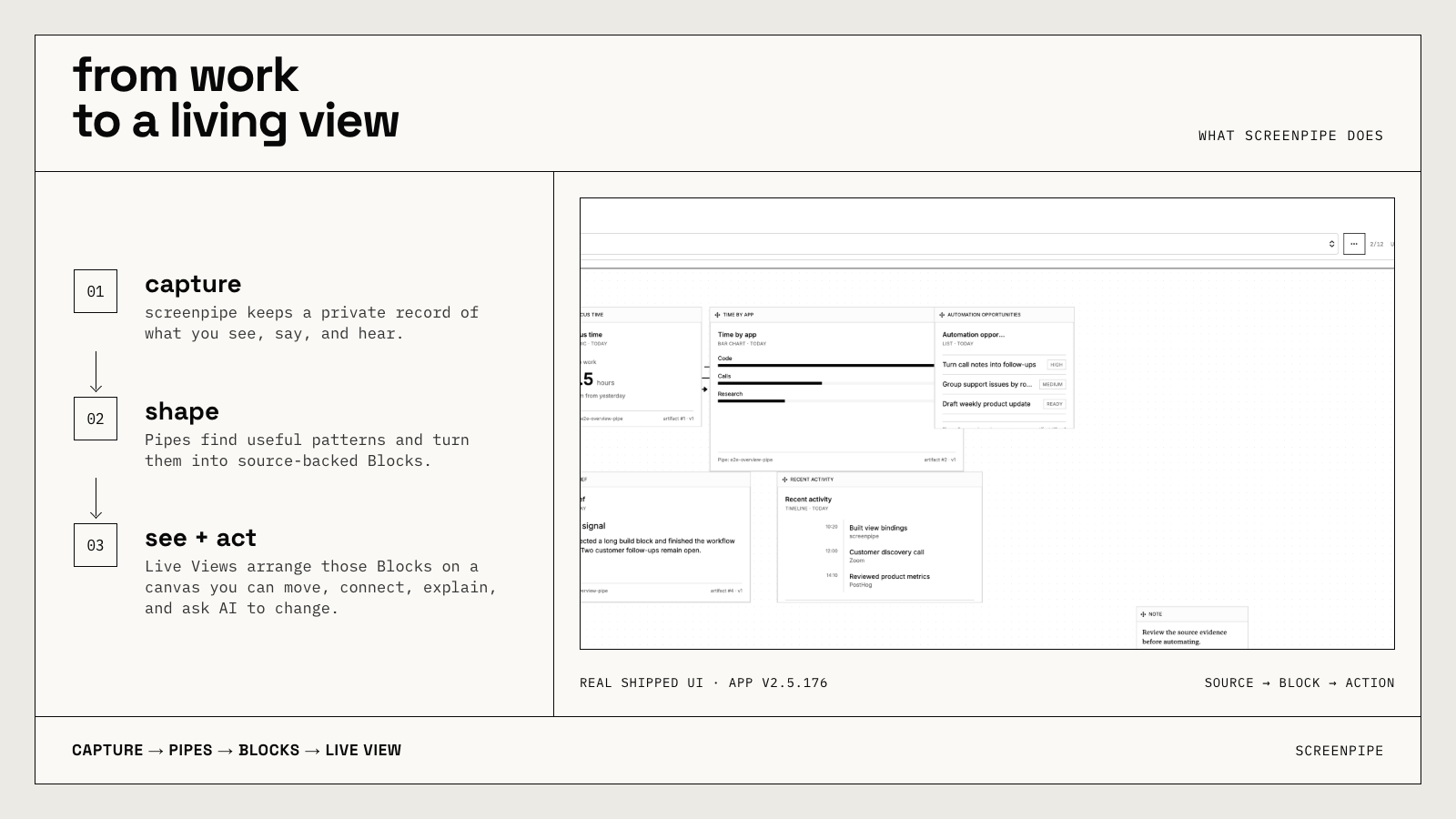
screenpipe keeps a private record of what you see, say, and hear. Scheduled tasks (previously pipes) find useful patterns in that history and turn them into Blocks. Live Views arrange those Blocks on a canvas you can understand and act from.
the canvas is the product
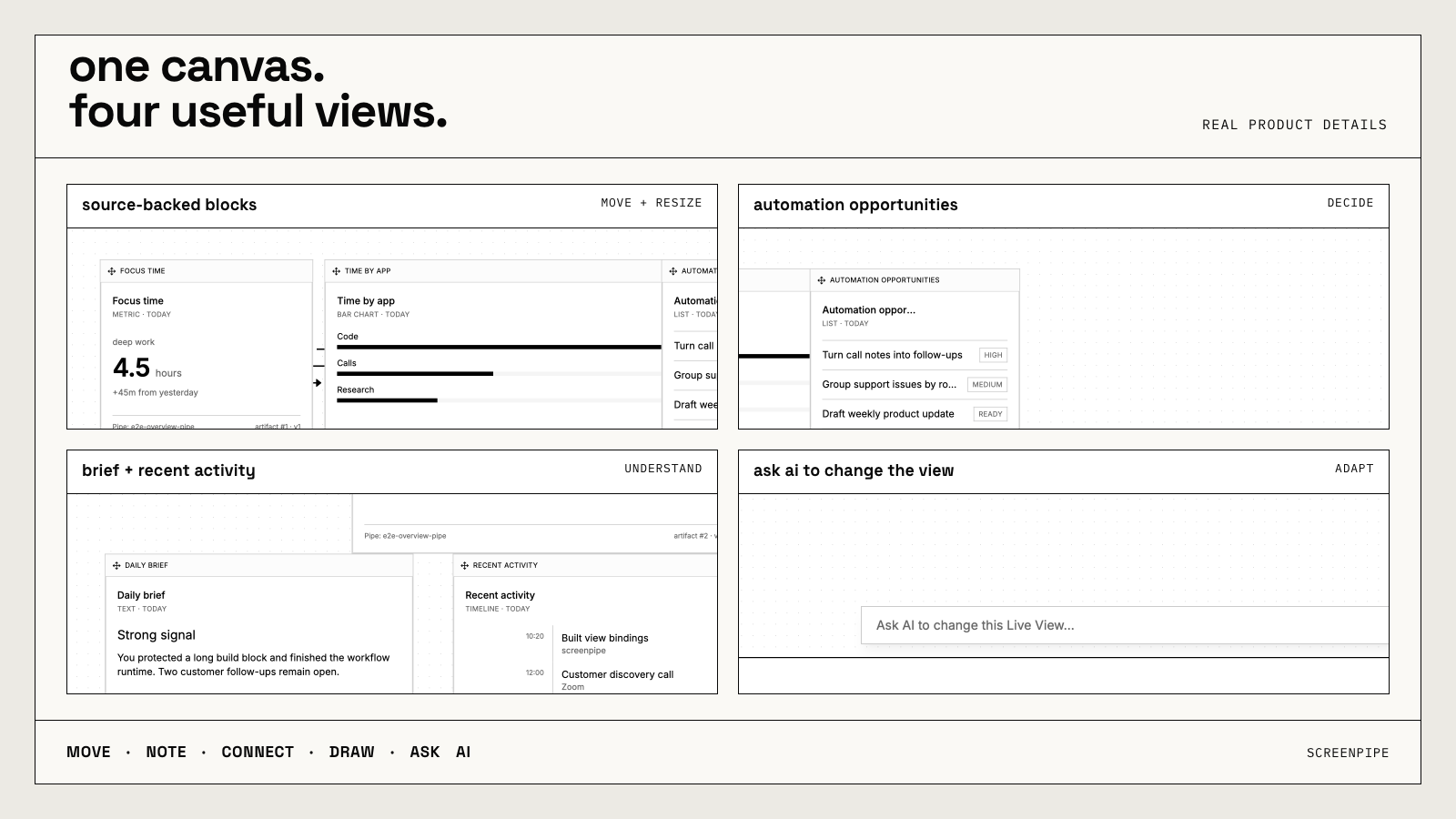
- Live Views are canvas-only now. The old Dashboard/Canvas switch is gone.
- Move and resize Blocks on one freeform surface.
- Add notes, connect Blocks, and draw around what matters.
- Ask AI to change the view from one composer that stays out of the way until you need it.
- Navigation, freshness, time range, refresh, zoom, and editing tools use less space so the result stays dominant.
- Create canvases inside canvases.
views that do actual work
- How I worked today brings focus time, app activity, a daily brief, recent activity, and automation opportunities onto one canvas.
- Process Map turns a repeated workflow into a visual sequence you can review and improve.
- Commitments turns promises, requests, assignments, and deadlines into a living queue with done, later, not right, and handoff actions.
Templates stay off until you choose to apply them in Brain.
We're still improving templates, we recommend you send a few prompts to improve the dashboard and personalize it to you.
smaller controls, clearer truth
- Time range and freshness wording now say more clearly what data you are looking at.
- One builder agent handles Live View changes, reducing conflicting edits.
- We renamed "pipes" to "scheduled tasks", it's similar to Claude or Codex scheduled tasks, with screenpipe-specifics like triggers from Slack messages or Notion document change, and more, works with any AI provider.
- Search stays in front when dismissed and opens the selected result more reliably.
also shipped
- Stop and summarize: meeting controls now show the real summary run moving through finalizing, queued, running, ready, or a recoverable failure.
- Recovery: protected database recovery, low-disk capture stops, and bounded macOS capture calls make failure states safer and more visible.
- Business Max and Ultra: higher hosted-AI capacity choices are now available, with the exact price or proration shown before confirmation.
one ask
Open Brain → Live Views and apply How I worked today, Process Map, or Commitments. Reply with the first Block that was genuinely useful - or the one that should not be there.
Want the engineering details? See the full technical changelog.
Questions? Reply to this email or join our Discord.
Louis
get updates on screenpipe news and releases