
screenpipe #29 | Activity, harnesses, native UI
get updates on screenpipe news and releases
your computer history, any model, owned by you
Hi all, Louis here, founder of screenpipe.
screenpipe turns the screen and audio history you choose to record into context for the AI agents you already use.
It stays on your device by default. You decide what context leaves, and which model or agent receives it.

new: Activity
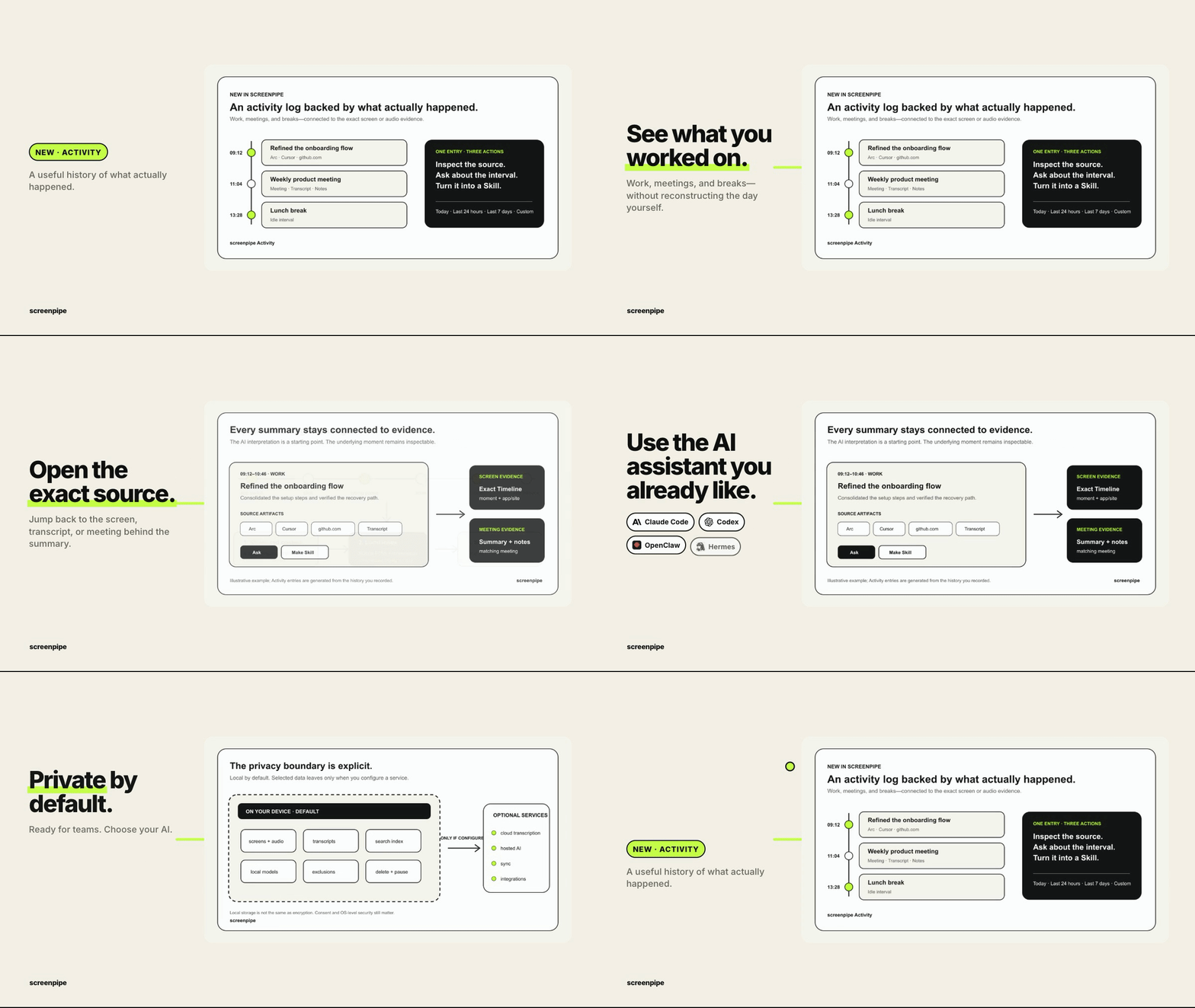
In screenpipe v2.6.56, Activity turns your computer work history into a simple timeline of tasks, meetings, and breaks.
Open an entry to inspect the screen, transcript, or meeting behind it.
use any harness: Cursor, Copilot, Claude Code, Codex, Grok
screenpipe already supports many models. Now it supports the harnesses around them too.
Different harnesses give different experiences:
- Codex and Claude Code have native permission support.
- Pi provides extensions.
- Cursor can use models such as Grok.
The point is simple: your work history should be available to the AI surface you actually use.
brand new macOS native Timeline
We reimplemented Timeline on macOS with a native interface.
This should make the history view feel faster, cleaner, and closer to the operating system.
native Windows shortcut overlay
We also reimplemented the shortcut overlay on Windows with a native interface.
The goal is the same: less webview weirdness, more real desktop behavior.
what else screenpipe can do
- Recall. Search recorded screens and audio when you forget where something happened with
cmd+ctrl+korcmd+ctrl+s. - Meetings. Find and reuse transcriptions from conversations you recorded.
- Agents. Let Claude Code, Codex, and other compatible assistants search selected context.
- Automations. Run agents that use chosen history to help with repeatable work.
private, team-friendly, model-flexible
Your history stays on your device by default.
Teams can standardize capture rules and data permissions. Use local AI, your own provider, or a hosted model.
Inspect the source when it matters. Optional sync, integrations, and hosted AI receive context only when you configure them.
Anything we should improve? Reply to the email or join our Discord.
Louis
get updates on screenpipe news and releases