screenpipe records and transcribes meetings locally. summarize with local or optional hosted AI. no bot joins your call.
Source-available · local-first · backed by Y Combinator
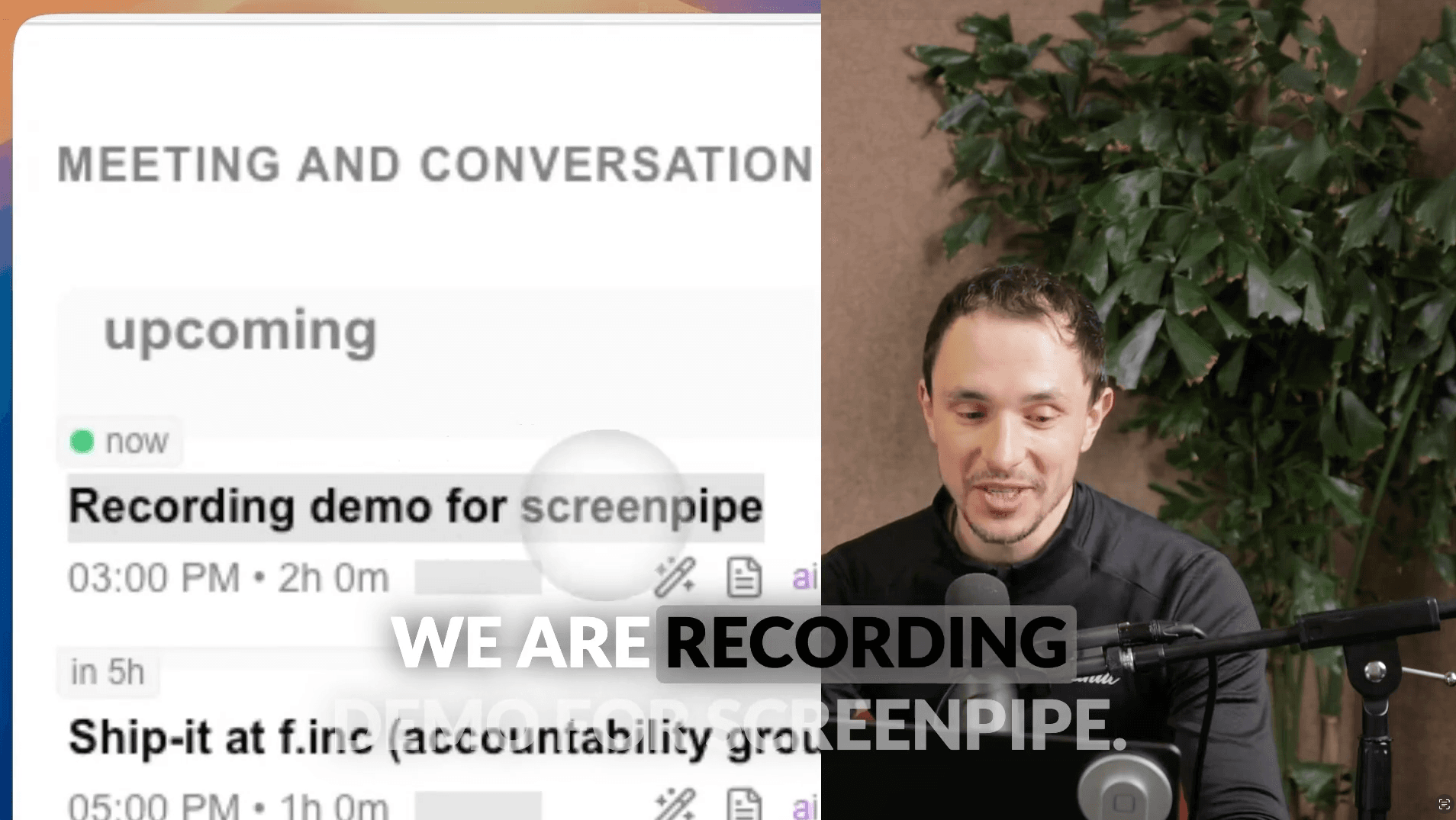
automatically pulls up previous conversations and generates meeting agendas
captures everything even if you forget to start recording, with live transcription
auto-corrects grammar, generates summaries, and creates shareable meeting notes
screenpipe captures screen activity and audio for your AI agents. It records and transcribes meetings locally with Whisper AI, then generates a summary using the local or hosted model you choose. No bot joins the call. In local-only mode, captured meeting data stays on your device. It works with Zoom, Google Meet, Teams, and any app that plays audio on your computer.
screenpipe runs on your device. choose the plan that fits your workflow.
01
great for getting started
$25
/ month7-day free trial, then $25/mo
Existing lifetime licenses keep working.
02
great for individuals or small teams
$50
/ seat / monthfor power users and small teams
screenpipe handles every stage of your meeting workflow, from local capture and searchable history to summaries generated with your chosen local or hosted AI model.
screenpipe surfaces your meeting history before each call, so you enter every conversation with full context. It analyzes past interactions with each participant and suggests agenda topics based on open action items from prior meetings, with no manual setup required.
screenpipe records audio continuously in the background using Whisper AI. It captures your microphone and system audio, transcribes in real time with speaker identification, and stores everything locally. You never miss a detail, even if you forgot to press record before the meeting started.
screenpipe turns your highlights into structured notes during the meeting itself. Each note links back to the exact timestamp in the recording, so you can replay any segment. AI fills in context from the full transcript automatically, keeping your writing style intact.
screenpipe can generate a complete AI meeting summary after each call using your chosen local or hosted model: key decisions, action items, and follow-ups in one place. You can share a private link to the transcript with participants, with your preferred writing style preserved throughout the summary.
screenpipe builds a searchable knowledge base from your meetings over time. It learns your vocabulary, recognizes recurring participants by voice, and maintains context across multiple sessions so your AI agents always know what happened and who said what.
Source-available · local-first · backed by Y Combinator
download screenpipe freecompare with other tools →get updates on screenpipe news and releases
