
Official media resources
screenpipe press kit
Brand assets, screenshots, approved descriptions, and company links for covering the local-first AI context layer.

screenpipe
AI powered by everything you have seen, said, or heard.
Product
screenpipe
Category
Local-first AI context layer
Platforms
macOS, Windows, Linux
License
Source-available
Featured in
In the news
Press and analysts covering screenpipe, plus founder commentary. Email louis@screenpi.pe for interviews, quotes, or demos.
AI Productivity Theater Is on the Rise
“AI monitoring is mouse-jiggling 2.0 with a nicer dashboard. Same mistake, higher resolution. Stop scoring the worker and start measuring the work.”
Your AI Should Remember Everything You Do, But Keep It Private
“Most of today's smartest AI assistants behave like brilliant interns with amnesia.”
Brand assets
A small, clean kit.
Use the current monochrome mark and lowercase product name. The kit below avoids stale logos and keeps press, partner, and directory pages consistent.

Primary lockup
screenpipe
AI powered by everything you've seen, said, or heard.
Identity
Name
screenpipe
Tagline
AI powered by everything you've seen, said, or heard.
Style
Monochrome, technical, product-led
Contact
louis@screenpi.pe
Usage rules
Use the black and white mark as the default brand asset.
Write the product name as screenpipe in lowercase.
Pair the mark with real product screenshots or concise copy.
Do not use old wordmarks, colored alternates, stretched icons, or busy backgrounds.
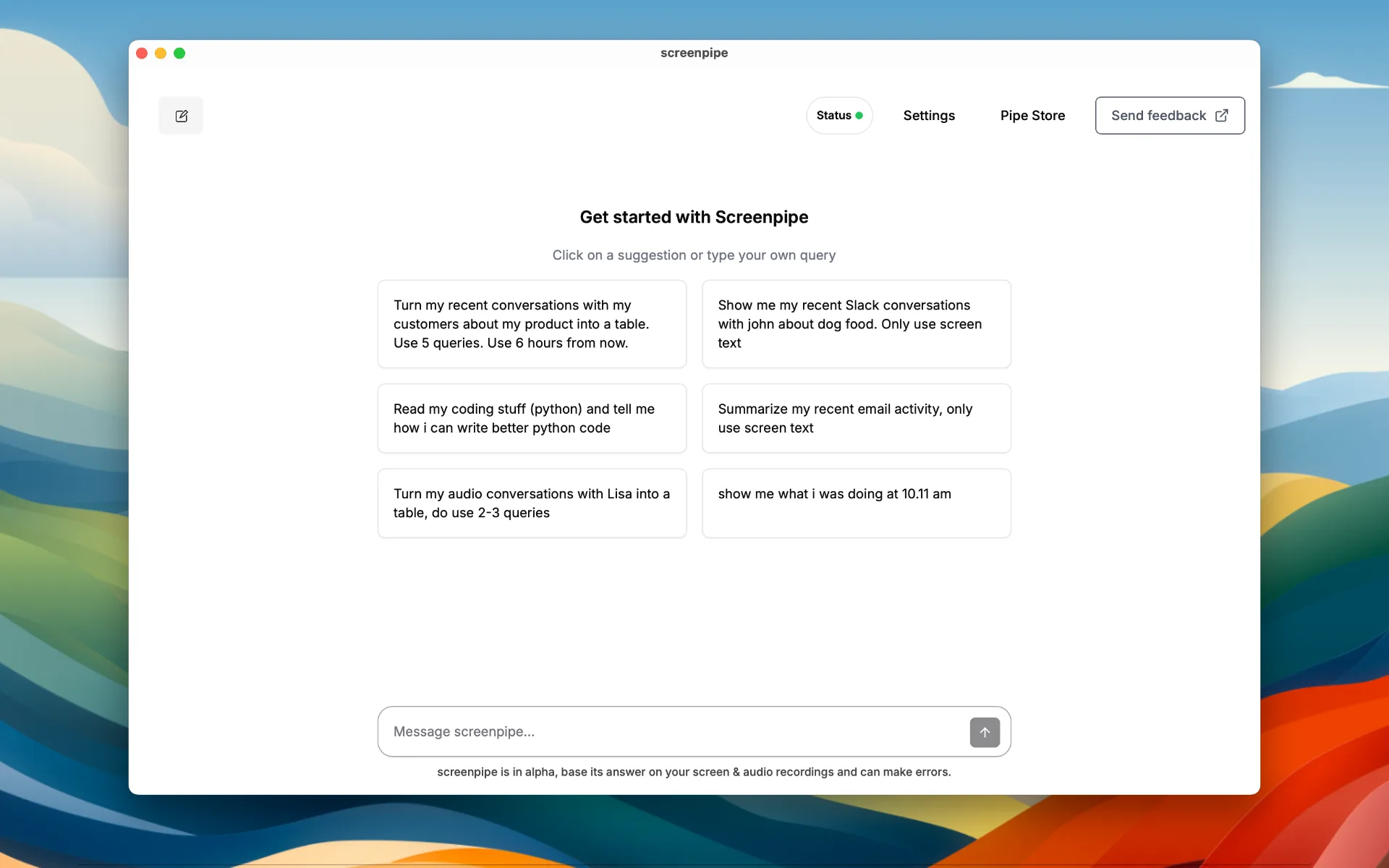
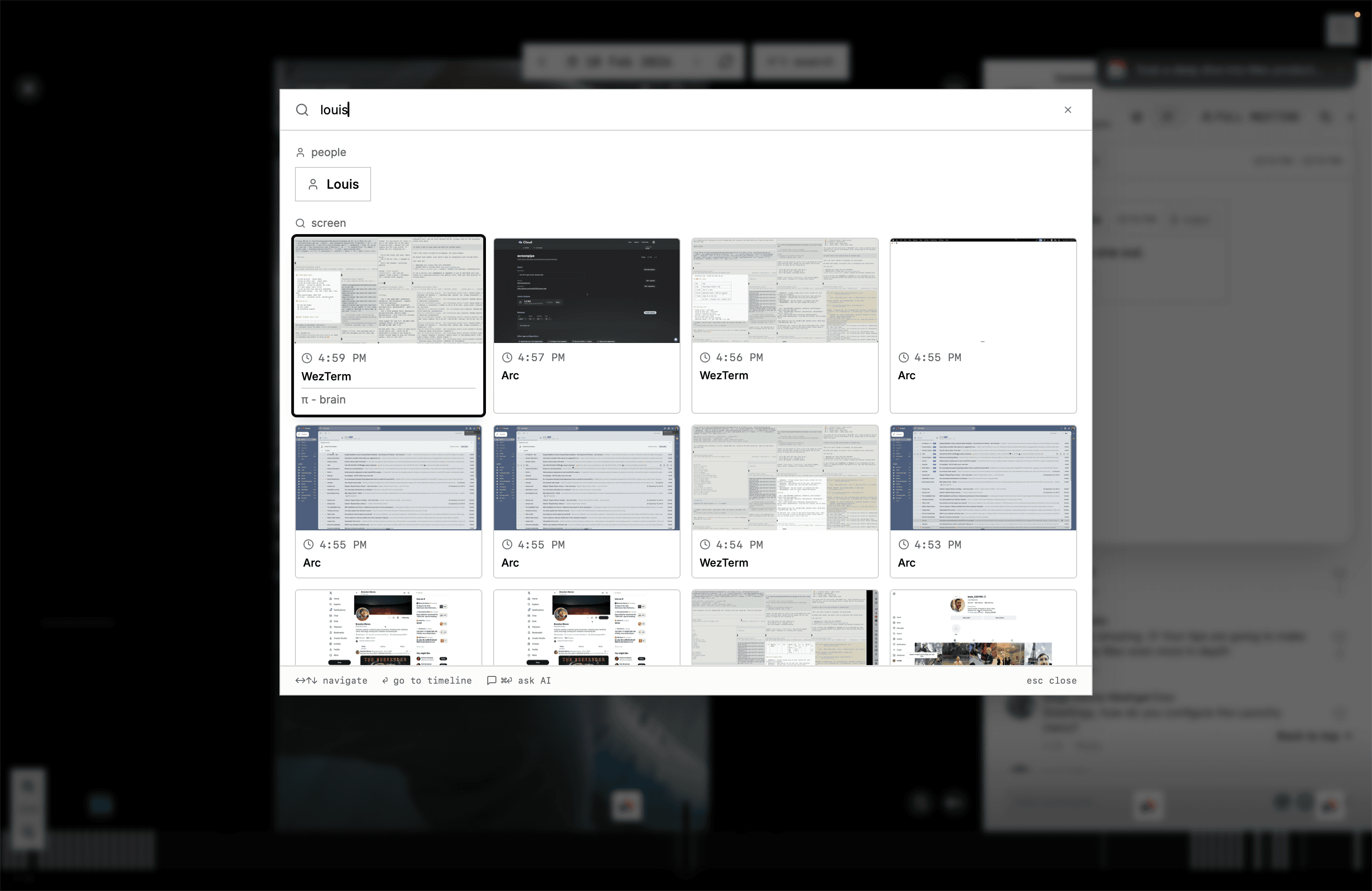
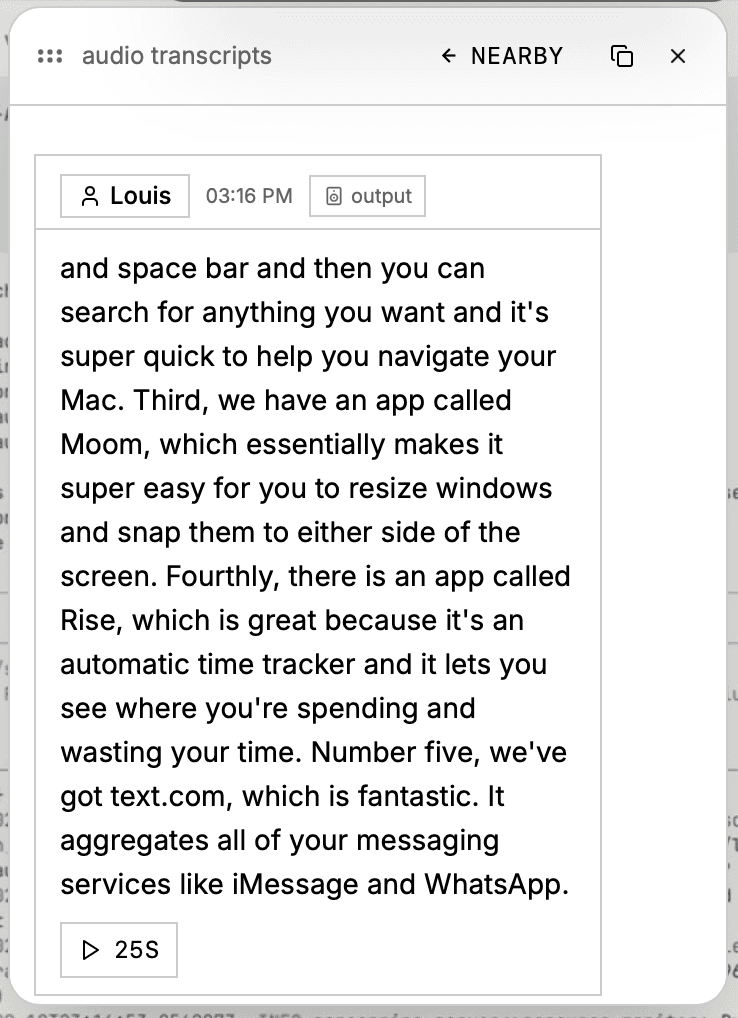
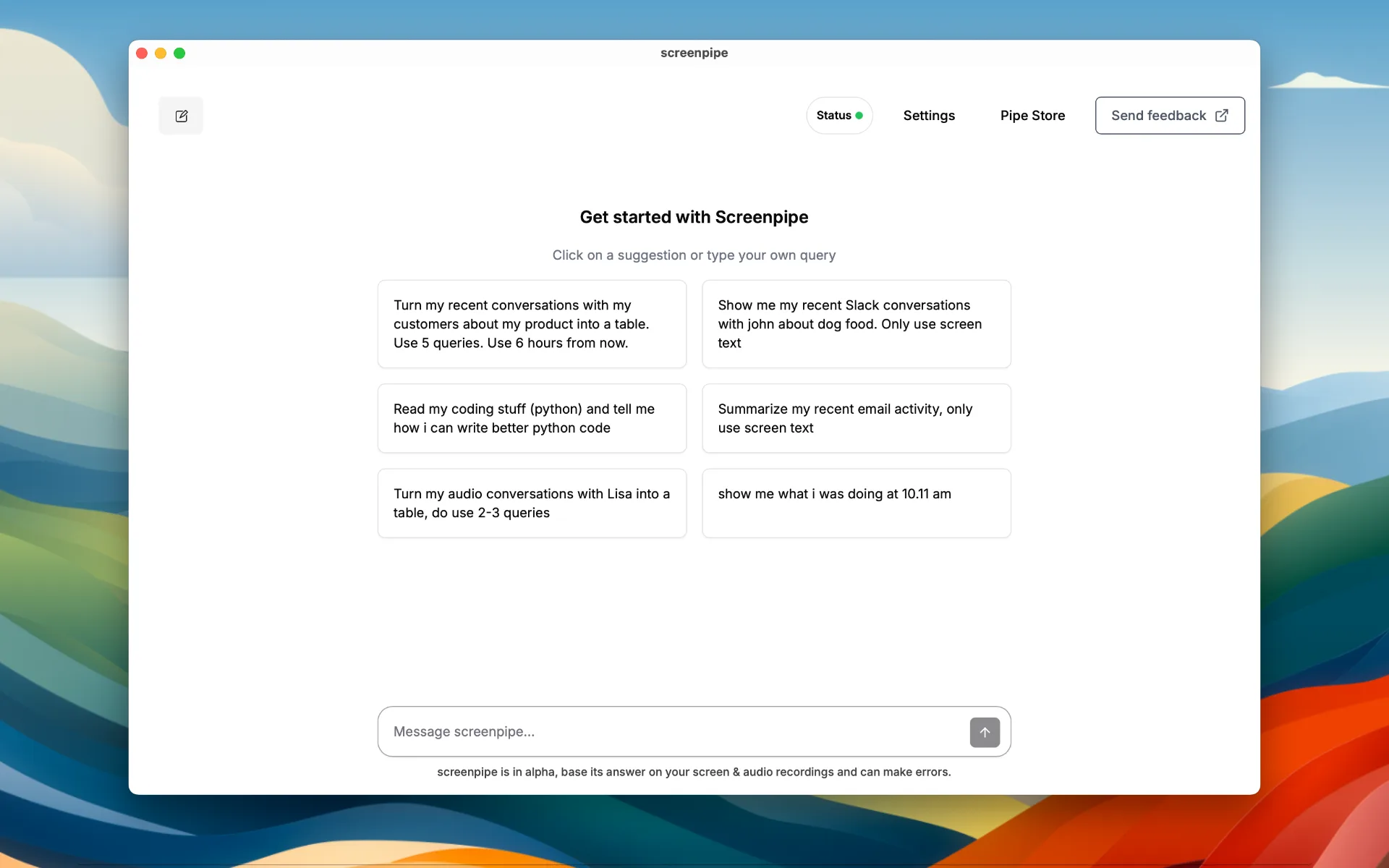
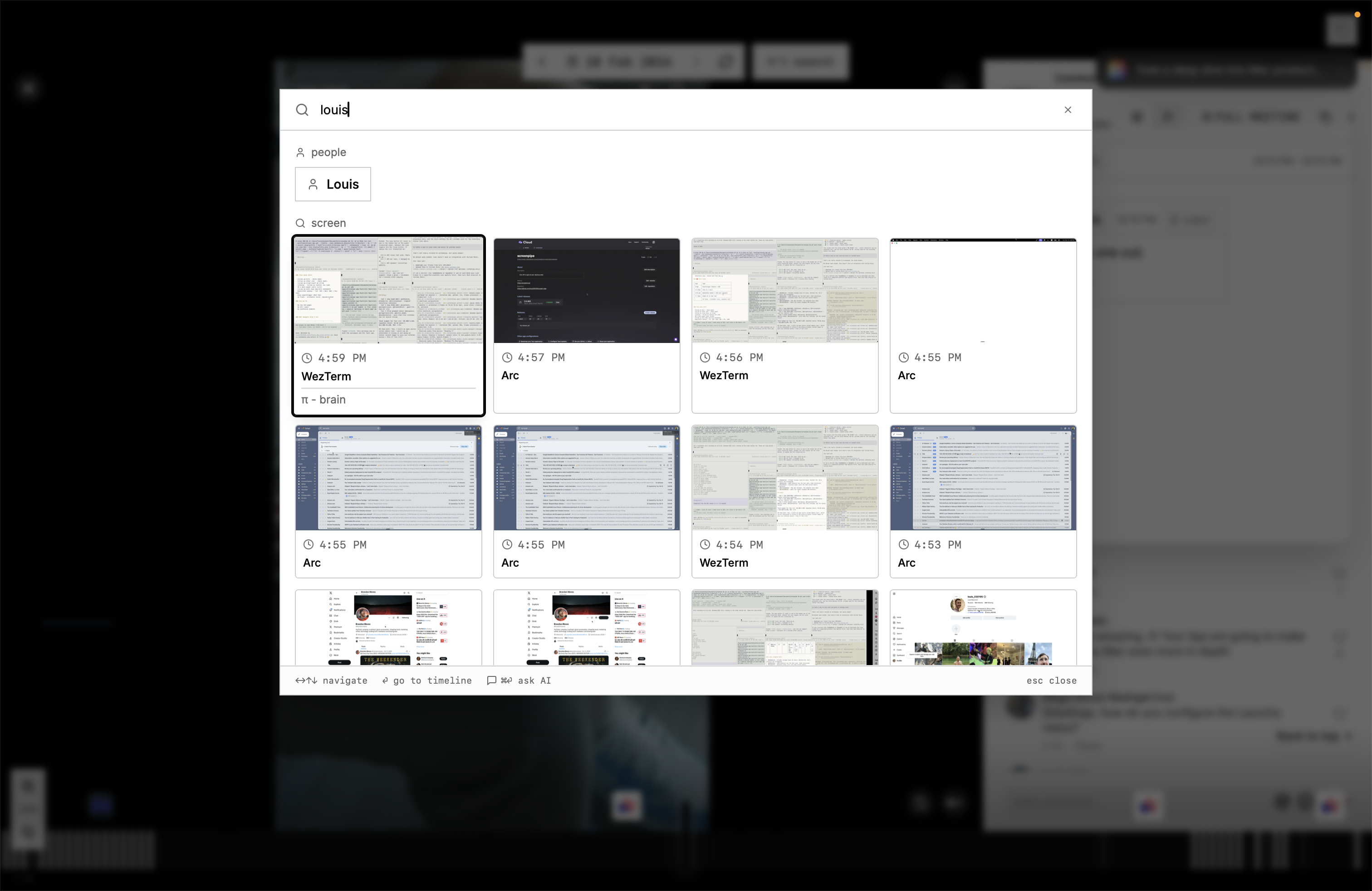
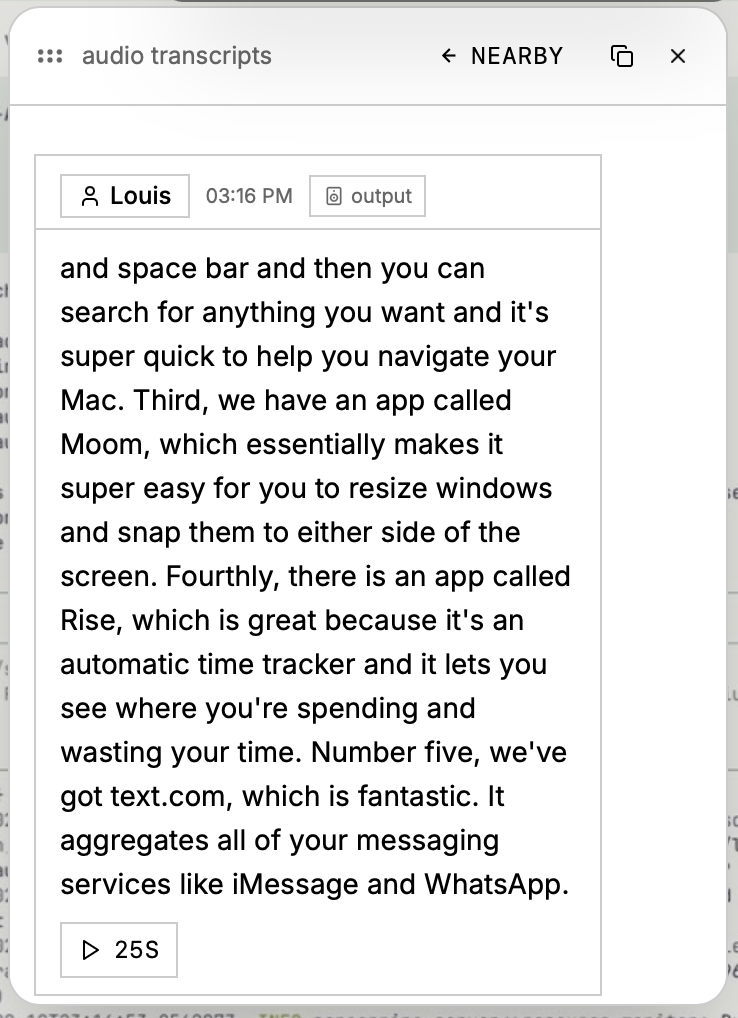
Screenshots
Show the actual product.
These screenshots are ready for launch posts, directories, press articles, and partner pages. Prefer product UI over abstract artwork.


Approved copy
Boilerplate
Short descriptions you can paste into articles, launch pages, investor updates, and partner directories.
One sentence
Short boilerplate
Brand system
Keep it restrained, direct, and product-led.
The Screenpipe brand uses warm neutral surfaces, strong ink borders, monospace labels, real product screenshots, neutral contrast for ordinary action, and one phosphor focal point only while intelligence is actively transforming or executing.
Color
Canvas
#F6F6F3
Surface
#FFFFFF
Ink
#0A0A0A
Muted ink
#666666
Neutral signal
#333333
Live phosphor
#C7FF3E
Typography
Product labels
IBM Plex Mono
Headlines
Space Grotesk
Body
Crimson Text
Usage
Do keep the logo monochrome, place it on calm backgrounds, and preserve generous clear space.
Do show real product screenshots when explaining what screenpipe does.
Do not recolor, stretch, crop, rotate, or place the mark on busy imagery.
Links
Official channels
Use these destinations when citing Screenpipe or sending readers somewhere useful.
Media contact
Need a quote, demo, or fresh screenshot?
Email Louis at louis@screenpi.pe for press requests, founder comments, partnership assets, and launch materials.
louis@screenpi.pe