
screenpipe #17 | this app literally does not know how to quit
4 min read
newsletterupdatesv2reliabilitymeetingsagentspipesprivacyscreenpipe
get updates on screenpipe news and releases
screenpipe is harder to knock offline
What's new on screenpipe this week?

This week we improved recording reliability and transcription accuracy and reduced CPU usage.
Please update the app, it might be outdated
Or download it
🪨 It keeps recording
- Capture restarts itself when it silently wedges. The tray could say "Running" while nothing was being saved. Screenpipe now restarts capture when frames are still being attempted but nothing has been written for over two minutes.
- Orphaned audio is recovered. Audio chunks dropped under saturation are now picked back up instead of lost.
- Captured work survives a stalled write. UI events are retained when a database write stalls, rather than discarded.
- No more meeting blind spots from dedup. Screen changes during a meeting are captured instead of being deduplicated away, and the timeline now shows transcripts even during long static-screen stretches.
- Stopped a couple of audio crashes from taking down speaker identification.
🎙️ Meetings get smarter
- Notes from what was shown, not just what was said. The meeting summarizer now also queries your screen, so the numbers on a shared spreadsheet or the URL in chat make it into the notes.
- Meetings-only capture as a default, with cloud transcription now included on all paid plans.
- Resizable live transcript panel in the meeting note.
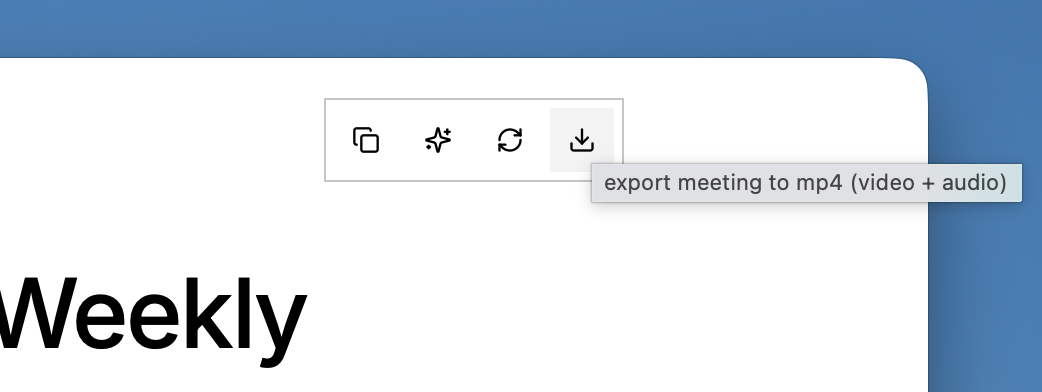
- Export meetings as mp4 files to review screen and audio together in a single file, and share with anyone.
🧠 Sharper agents
- Reasoning-effort control in chat. A Brain-icon selector picks low / medium / high reasoning, across every provider.
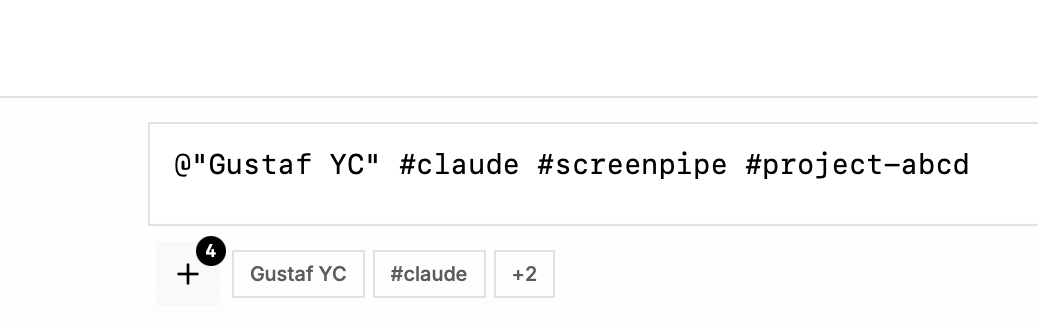
- Better tag and speaker filters in the chat.
- Chat keeps streaming when you open Settings — the in-flight response no longer drops.
- Clearer Ollama errors surface before the "install Pi?" prompt, so a local-model misconfig is obvious.
🔌 Pipes & connections
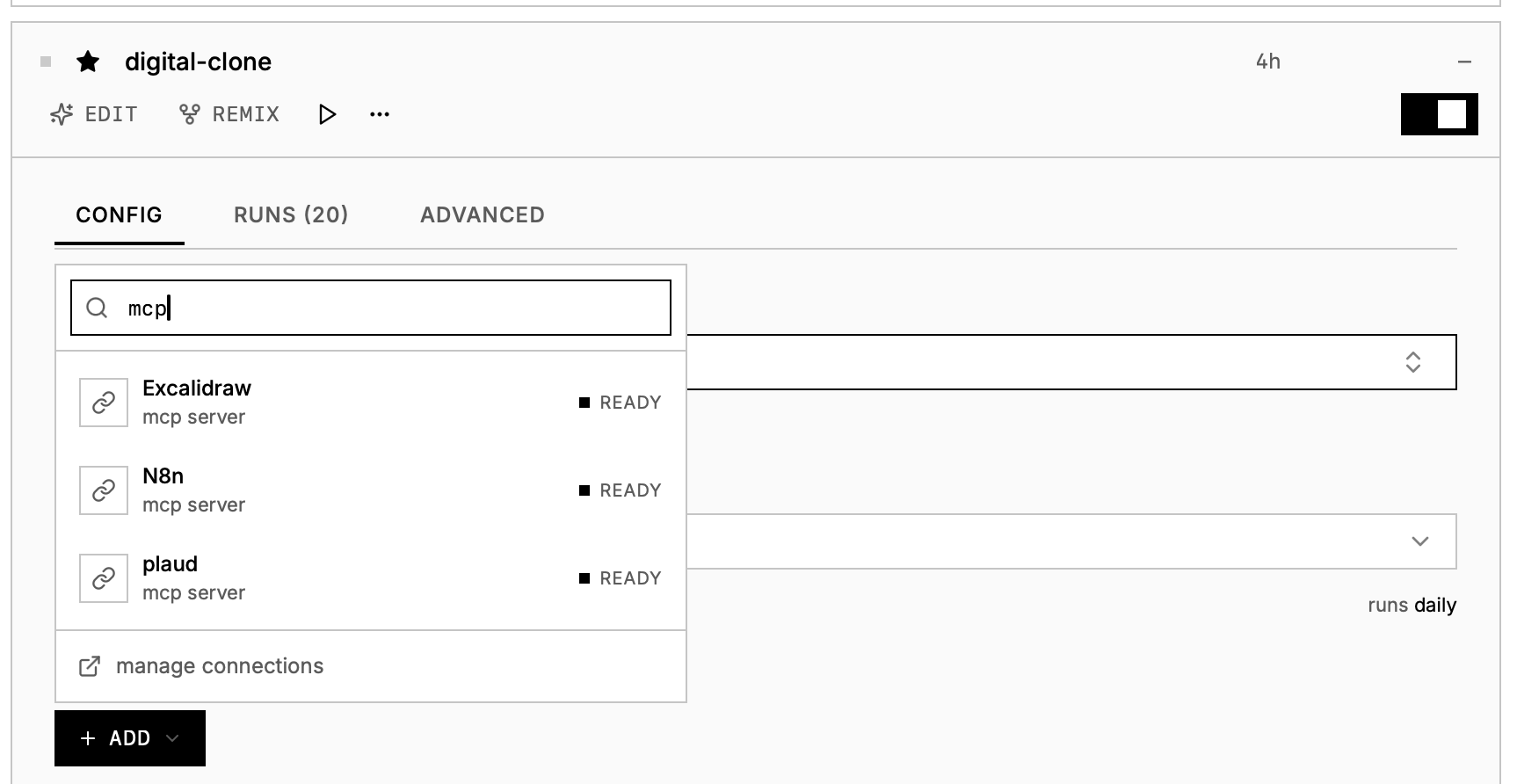
- Custom MCP servers now work inside pipes, not just chat — the Brave Search / Linear / Notion / internal MCPs you wired up in settings → connections.
- Pipe alerts get copy buttons and source links so you can jump from a notification to the capture behind it.
- "Build a second brain" copy-paste prompt on the OpenClaw and Hermes agent cards.
- screenpipe-mcp is now in the official MCP Registry, so any MCP-aware agent can find it.
⚡ Lighter on your machine
- Flatter PII redaction CPU. The on-device redaction worker used to drain its backlog in bursts that could spike to 200%+ CPU for a few seconds; it now runs on a duty-cycle cooldown that holds it to a low, flat band. Same redaction, no spikes. Our image redaction model now uses 90% more Apple Neural Engine, cutting CPU usage by 3x.
- Lower idle CPU across the board — a sweep of small steady-state wins in capture, scheduling, and the monitors, especially on Windows.
🔐 Privacy
- Redaction now covers the main search index. The full-text column that backs search was the one place raw PII could still be queried after redaction — it's now redacted on the same pass and re-indexed automatically.
- Redaction worker no longer panics on invalid UTF-8 text.
- Fewer false positives.
🐞 Platform fixes
- Linux auto-update works again, and Linux OCR works without a system tesseract install.
Download screenpipe · Update screenpipe
Questions? Join our Discord.
Using screenpipe in a team? Let's talk.
Report a bug on GitHub.
— Louis
get updates on screenpipe news and releases