
screenpipe #18 | screenpipe on mobile
3 min read
newsletterupdatesv2mobilesyncprivacyredactionmeetingsmemoryscreenpipe
get updates on screenpipe news and releases
screenpipe on mobile
What's new on screenpipe this week?
Your agents are only as good as what they can reach. This week screenpipe breaks out of a single machine and gets a lot more careful with your data.
Multilingual transcription, a redesigned brain, settings that finally make sense, and more.
Please update the app, it might be outdated
Or download it
screenpipe on the go
- Your screenpipe no longer lives on one machine. Selective sync plus a one-command agent setup drops your data into an agent: OpenClaw, Hermes, or Claude. Now you can ask about your screen, memories, and meetings from your phone, not just the laptop that recorded them.
Your data stays yours
- Sync stopped quietly uploading your screen. Turning on a connection used to risk pushing captured screen data to the cloud. Connection sync now self-initializes, needs no password, and only syncs what it should.
- Redaction is on by default. Anything you type into a form field gets scrubbed on-device, with plain-English copy explaining what's happening.
- See exactly where we look. Hover a setting and screenpipe highlights the parts of the screen it actually reads.
- Take your data and go. A new "download my archive" export hands everything back as plain files, any time.
Transcription speaks your language
- Cloud transcription is multilingual again. It had been falling back to English on non-English audio. Now it detects and transcribes your actual language.
A redesigned brain
- Memories and artifacts, rebuilt. Your memories and the files your agents create got a full redesign, cleaner and faster to browse.
- Smarter search. Results can pull in co-occurring tags, so related context shows up together.
Meetings get cleaner
- Summarize in one click, straight from the meeting note.
- Far fewer false starts and stops. Audio-driven meetings stop flapping between Active and Ending, with 86% fewer transitions, and Webex no longer spins up phantom meetings when you're only chatting.
Settings you can actually read
- Live previews for the abstract knobs. Capture frequency, audio mode, retention, and power mode now show what they do before you commit.
- Plain-language copy throughout, and Input Monitoring moved where it belongs, under Privacy.
Connections and pipes
- Hermes gets a Connect tab so your pipes can call its API.
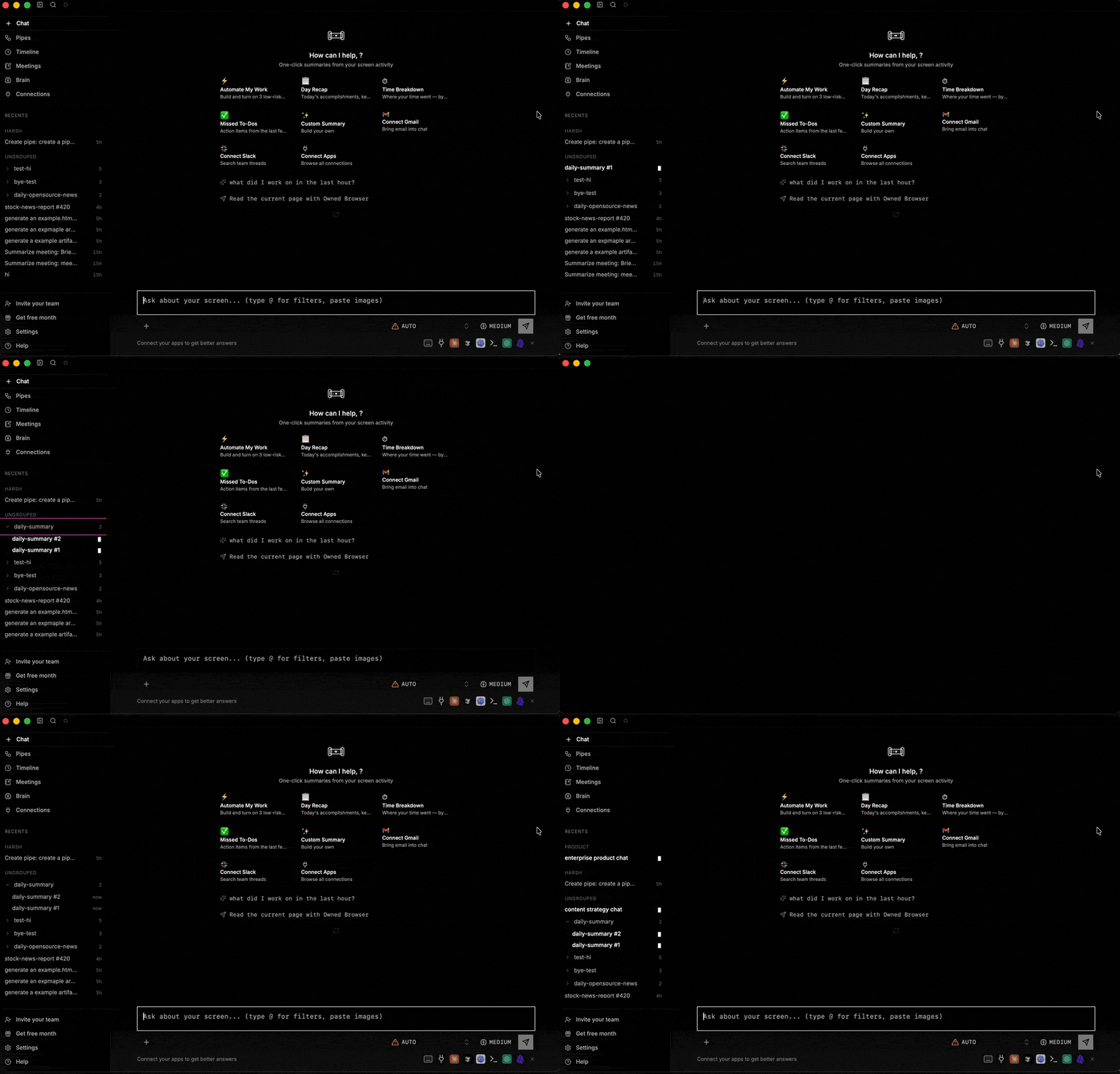
- Recurring pipe sessions group together and you can make your own chat groups to keep the sidebar clean.
- Named OAuth accounts for Microsoft 365, and Claude's MCP state now stays in sync with your config.
Reliability
- No more surprise sign-outs from a local-engine hiccup.
- A wedged database now heals itself in place, instead of stalling capture.

Download screenpipe · Update screenpipe · Docs
Questions? Join our Discord.
Using screenpipe in a team? Let's talk.
Report a bug on GitHub
Louis
get updates on screenpipe news and releases